If you read the first article in this series on why release notes matter, you’ll know that clarity starts long before the writing itself.
Writing release notes for different audiences isn’t optional; it’s the difference between clarity and confusion. Now that you know why release notes matter, the next question is simple: who are they actually for?
Most teams write release notes as if one kind of reader will read them. But in reality, very different people rely on them. Users, admins, internal teams, each group has its own needs, expectations, and context. When you ignore those differences, clarity disappears, support tickets increase, and adoption quietly slows.
Why audience matters more than teams think
Most release notes don’t fall short because the information is wrong. They fall short because they’re written for the wrong audience. A note written with engineers in mind won’t help a user. An admin skimming a vague update won’t know what actions they need to take. And an internal team without proper context will struggle to communicate the change accurately.
Audience isn’t a formatting choice. It’s a reflection of how well your company understands the people it serves. When release notes feel targeted, they feel respectful, clear, and relevant.
Understanding different audiences in release notes
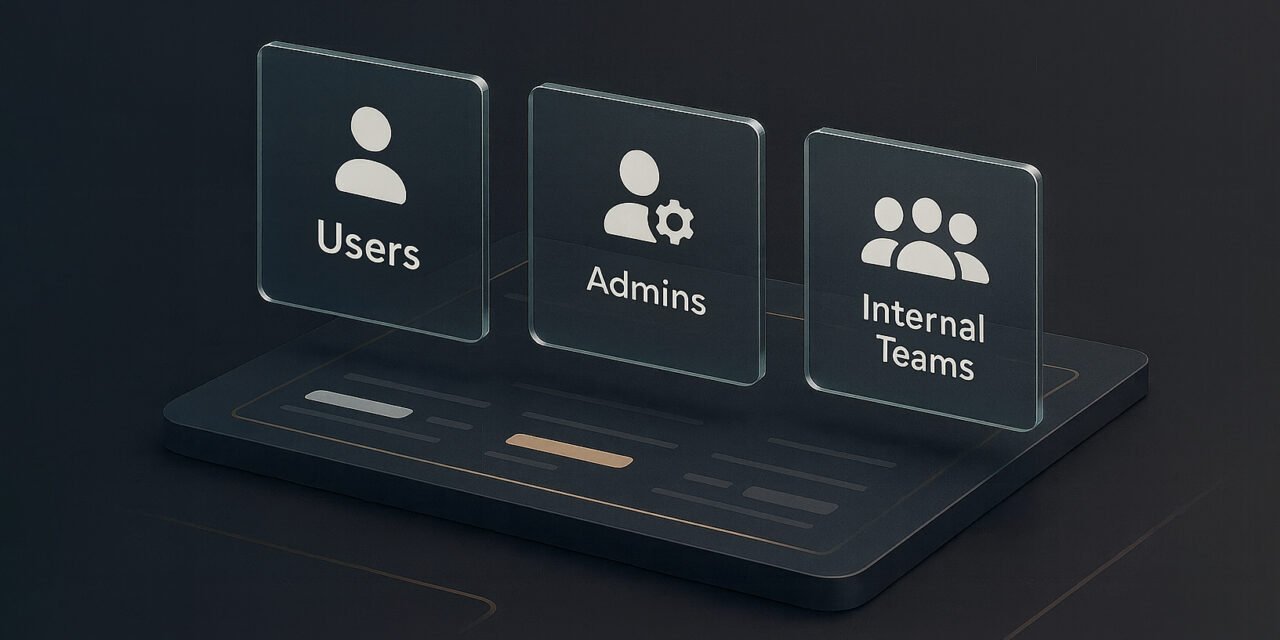
You don’t need a long list of personas to write effective release notes. In most SaaS companies, three primary audiences show up consistently:
Users: They want clarity, reassurance, and quick answers. What changed? Why does it matter? How does it make their experience better?
Admins or workspace owners: They care about stability, control, settings, and risk. They need to know what changed behind the scenes and whether action is required.
Internal teams: Support, Customer Success, and Sales depend on release notes to stay aligned. They need context, talking points, and clarity about how changes affect users.
There are other groups — IT/security, power users, partners — but these three cover the majority of real-world scenarios.
The Audience First Approach
To make audience targeting practical, use a simple structure: the Audience First Approach. It helps you shape every release note around three essentials:
What they need to understand: Some audiences need deeper context. Others only need the highlights.
What they need to do: Should users change a behaviour? Do admins need to update settings? Do internal teams need to prepare messaging? Every audience has different responsibilities.
What they need to feel: Users should feel confident. Admins should feel in control. Internal teams should feel informed.
This approach guides tone, structure, and detail levels. This is what makes release notes for different audiences work in practice.
How tone changes for each audience
Let’s take a simple example. Your product has redesigned project permissions.
User version: “We’ve made permissions simpler. You can now manage access from one place, making projects easier to share and control.”
Admin version: “We’ve redesigned project permissions. All existing roles still work, but you’ll find new options for access levels. Review your workspace settings to confirm the right defaults.”
Internal team version: “We’ve introduced a new permissions model to reduce confusion around access issues. Customer-facing teams may get questions about where old settings moved. Here’s how to guide users through the new flow.”
Same update, three very different interpretations. This makes the point clear: tone shifts because each audience needs something different.
Why teams default to generic tone
If generic, catch-all release notes are so ineffective, why do they happen so often?
Usually it comes down to a few familiar realities. Release notes get written at the last minute. Ownership is unclear. Engineers naturally write with engineers in mind. Teams worry about oversharing or confusing users. And there’s often pressure to “cover everyone” with a single update.
The result is predictable: a neutral, diluted tone that answers no one’s real questions.
Audience First cuts through that. When you identify the reader before writing, the tone and structure become obvious.
Common tone mismatches
Release notes go wrong in predictable ways. You’ve probably seen examples like these:
• User-facing notes written like commit logs
• Admin updates that bury important action steps
• Internal teams left guessing how to explain a change
• Cheerful tone used for updates that introduce friction or breaking changes
• Empty notes that simply say “Improvements and enhancements”
Most of these problems come from skipping the audience step entirely.
Why audience clarity boosts adoption
When readers immediately understand what changed, why it matters, and how it affects them, they act with confidence. Users try new features. Admins adjust settings without creating unnecessary tickets. Internal teams stay aligned and consistent.
Audience-aware release notes feel intentional.
And when you create release notes for different audiences, you make every update easier to understand and adopt.
Up next: workflow and ownership
Audience clarity is only half the system. The next question: who actually creates and reviews release notes—and how do you build a workflow that scales? Explore the next post: How to Build a Release Notes Workflow That Scales.